
A Bible-study app for homiletics

Study the Bible, one passage at a time

Write your homiletics, take lecture notes and do word studies — all with the passage open beside you, in your language and your Bible translation.

Free on iPhone, iPad, Android, Mac and Windows. No account needed.

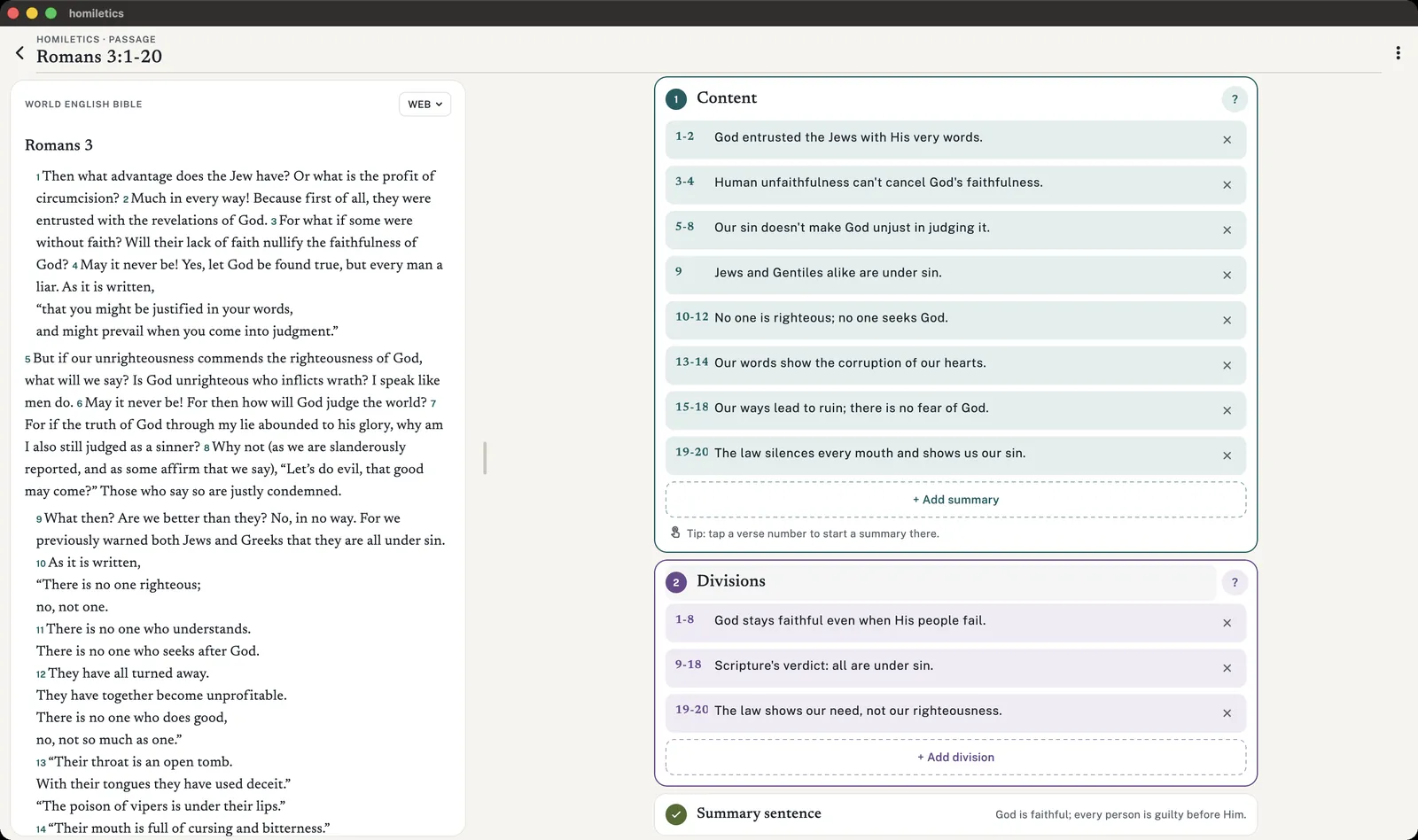
Homiletics on a Mac: Romans 3 on the left, the Content and Divisions steps on the right.
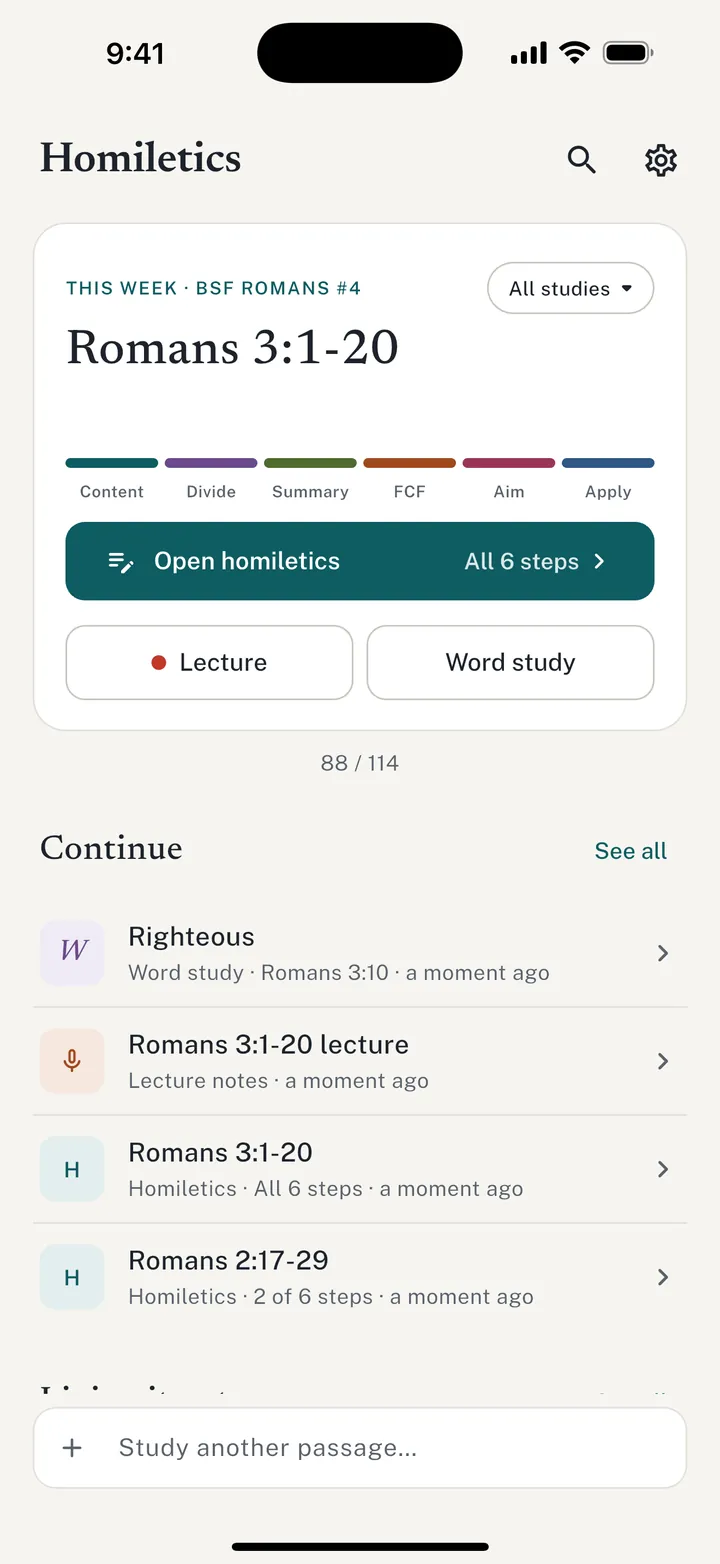
The Homiletics home screen on iPhone showing this week's passage, Romans 3:1-20, with a six-step progress bar.

The method

Six steps from reading to living it out

A homiletic helps you find a passage's main message and then think about how to live it. It doesn't have to be perfect — it gets easier every week. Learn the method.

  1. 1

    Content

    Summarize the passage in 10–20 short chunks, in your own words.

  2. 2

    Divisions

    Group those chunks into 2–4 sections.

  3. 3

    Summary

    The whole passage in 10 words or fewer.

  4. 4

    FCF

    Fallen Condition Focus: the human need or brokenness the passage speaks to.

  5. 5

    Aim

    The one main truth you want your hearers to learn.

  6. 6

    Application

    Questions that turn the passage into everyday life.

Homiletics

Write your homiletic beside the passage

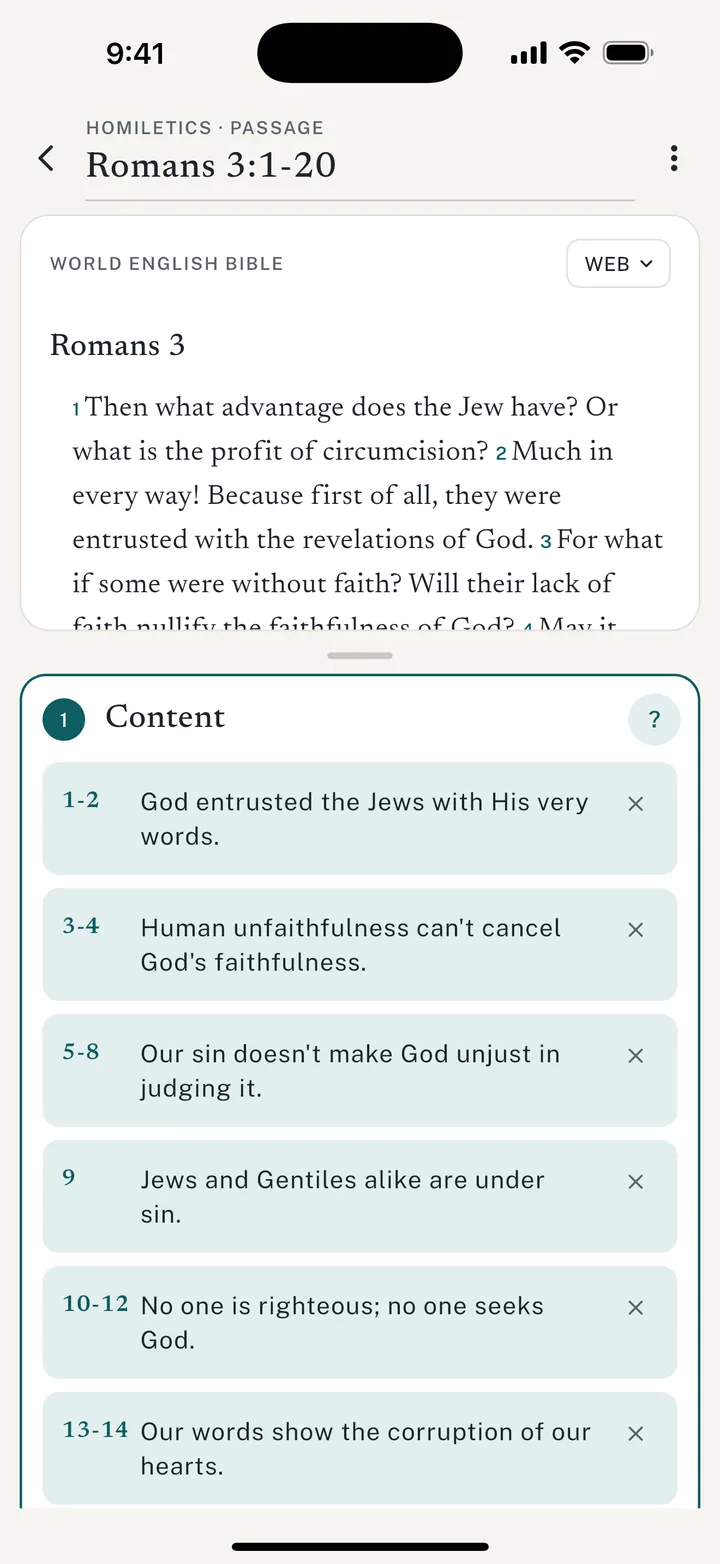
The passage sits above your notes in the Bible translation you choose. Tap a verse number to start a content summary right there, open several steps at once, and watch the six-colour progress bar fill in as you go.

  • Help for every step, right where you need it
  • Everything saves as you type
  • Print it for class or share it as a PDF
Guide: Writing your first homiletic
A homiletic for Romans 3:1-20 in the app: the passage on top, content summaries for each group of verses below.

Lecture notes

Listen closely, then find the moment again

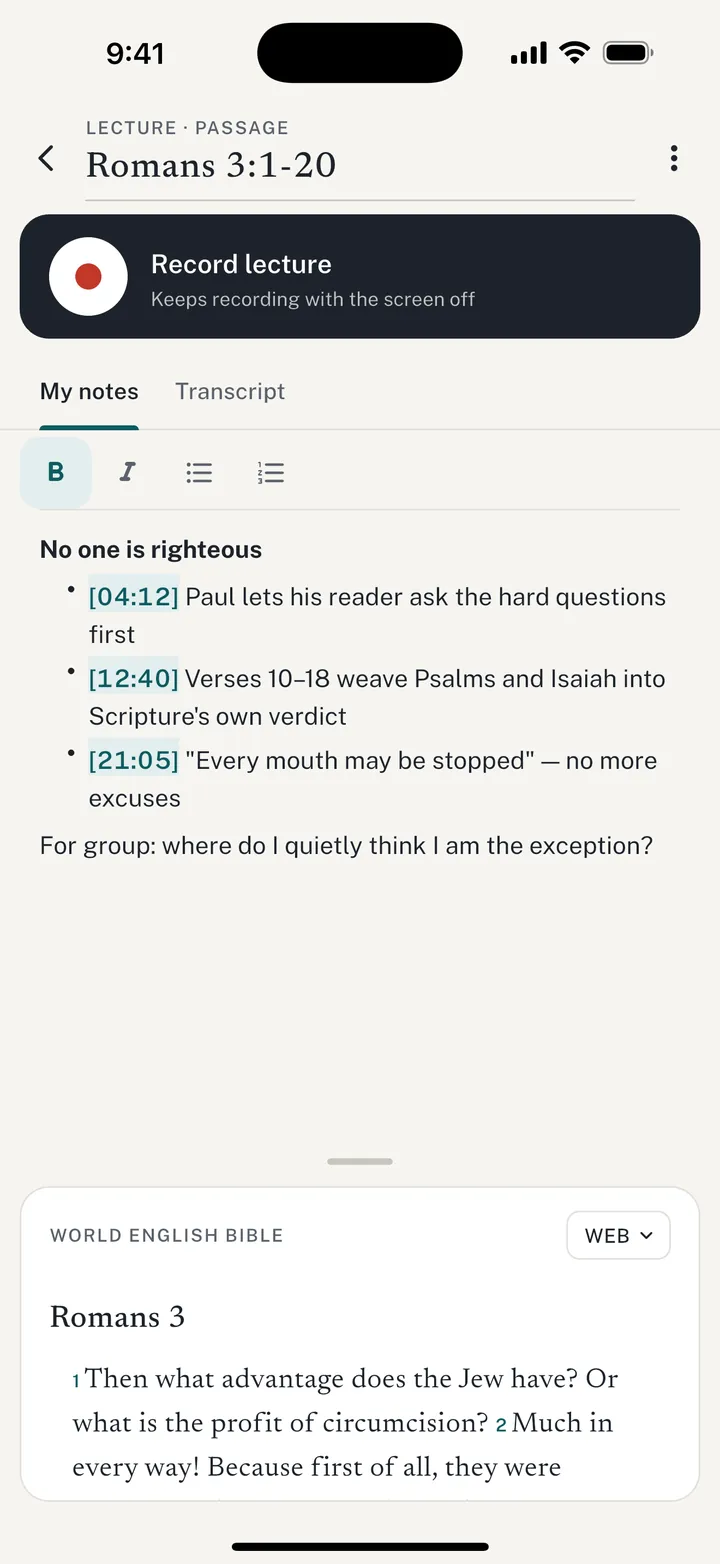
Record the lecture and keep taking notes. Recording keeps going with the screen off, and when you stop, the lecture is transcribed right on your phone. Add time marks to jump back to the line that caught your attention.

  • Keeps recording with the screen off
  • On-device transcription you can search
  • Time marks that play from that moment
Guide: Taking lecture notes
Lecture notes for Romans 3:1-20 with a Record lecture button and notes containing time marks like 04:12 and 12:40.

Word studies

Dig into one word

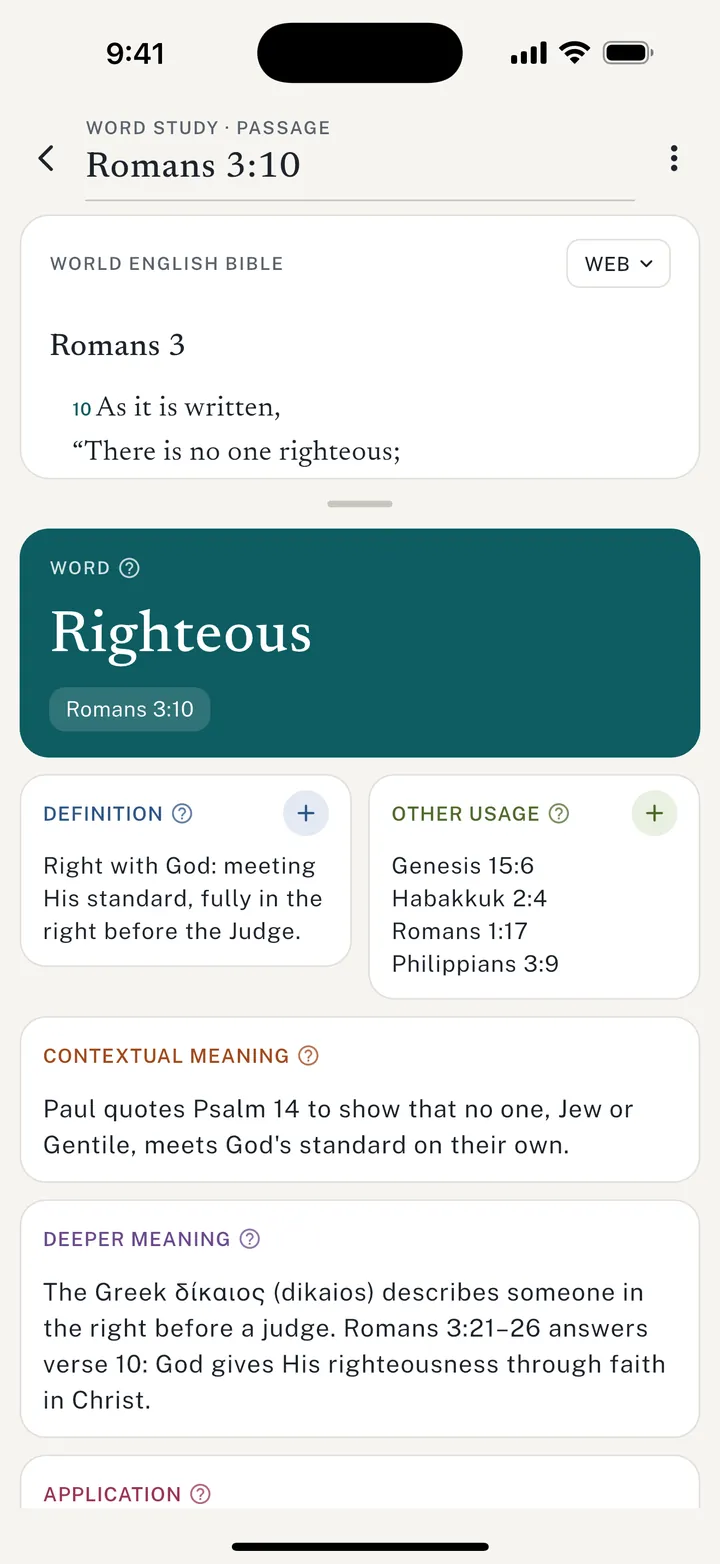
Curious about one word? Start a word study and work through what it means — the definition, where else it shows up in Scripture, what it means in this passage, and how it shapes your life.

  • Definition suggestions from a dictionary
  • Search for other places the word appears
  • Contextual and deeper meaning, then application
Guide: Doing a word study
A word study on "Righteous" from Romans 3:10 with definition, other usage, contextual meaning and deeper meaning cards.

Phone, tablet, computer

Room to think on a bigger screen

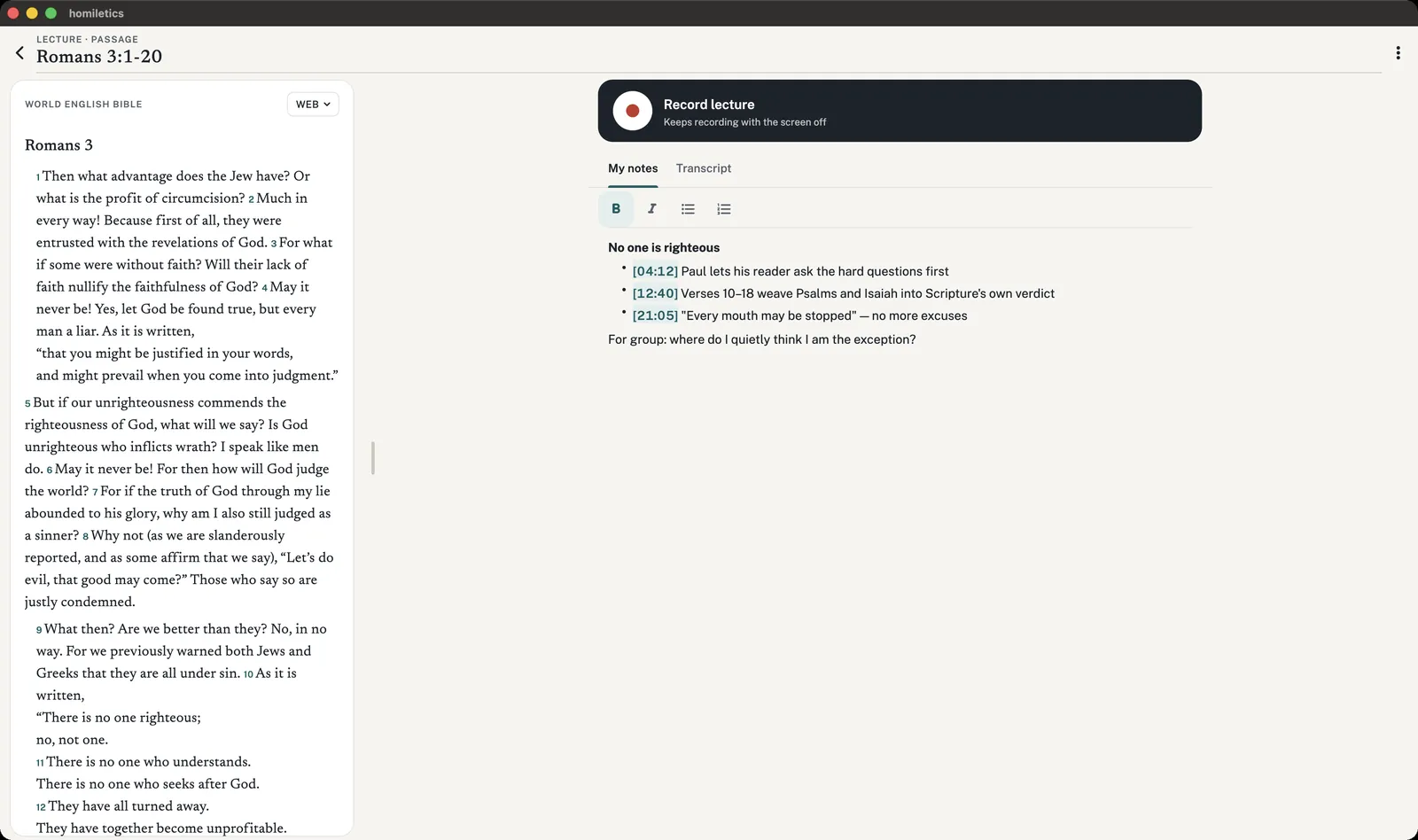
On a Mac, iPad or Windows PC the passage and your notes sit side by side, so you can read and write without scrolling back and forth.

Homiletics on a Mac: Romans 3 on the left and lecture notes with a recording control on the right.

Works in your language

Your language. Your Bible.

Use the app in seven languages and read from more than 50 Bible translations. Download a Bible once and read it with no connection at all.

Using Homiletics in your language
  • English
  • Español
  • 简体中文
  • 繁體中文
  • Français
  • Português
  • Kiswahili
50+
Bible translations, including NIV, ESV, KJV, Reina-Valera, 和合本, Louis Segond and Neno
Offline
Free Bibles you can download in every app language

Private by design

Your studies stay on your device

No account

Open the app and start. Your homiletics, notes and word studies are saved in the app on your device.

On-device transcription

Lecture recordings are transcribed on your phone or computer, not on a server. The models download once.

No trackers

No ads and no analytics in the app, and no cookies or trackers on this website.

Read the privacy policy or the FAQ on what goes online.

Start this week's passage

Homiletics is free. Download it for your phone, tablet or computer.